

Adjust MyCool 40K Disposable Vape| Master Your Chill, Control Your Flavor
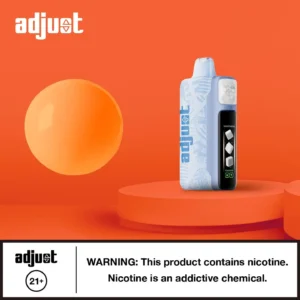
The Adjust MyCool 40K, your smart display and premium flavors to choose from! 5 adjustable cooling levels (Breeze to Arctic Freeze), a dynamic display, power and airflow toggle and support for 40K puffs. This system is for flavor enthusiasts that appreciate precision, power and versatility.
Jump to Key Features | Adjust MyCool Flavors | Specification
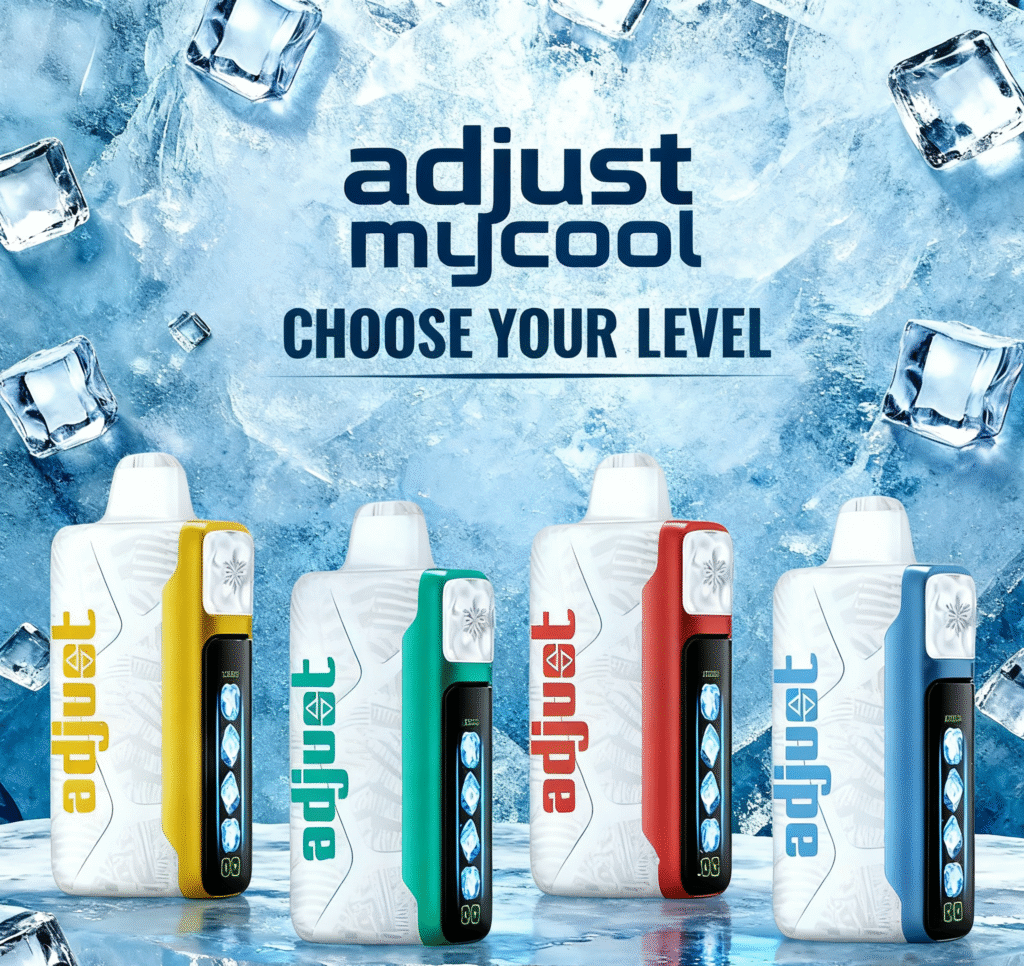
Adjust Mycool Vape 40K | Key Features
The MyCool 40K is to customize your vape. Cooling intensity, airflow, power ratings, and flavor delivery in a compact futuristic device. Here are the key attributes that set Adjust Mycool 40K apart from all other disposable vapes on the market.
5-Level Adjustable Coolness
From mild Chill to cold as Ice, you choose how cold.
Up to 40,000 Puffs
Turbo I mode gives you a longer lasting way to vape.
Power & Airflow Control in One Toggle
This allows you to effortlessly get the level of vapor density and draw you desire.
Dynamic Side Display
Real time displays level of coolness, level of e-liquid and power level.
Comfortable Mouthpiece
The flexible TPU mouthpiece is designed with comfort and functionality in mind.
Substantial Construction & Luxury Feel
Builds and feels like a high-end device, not a cheap disposable throw-away device.
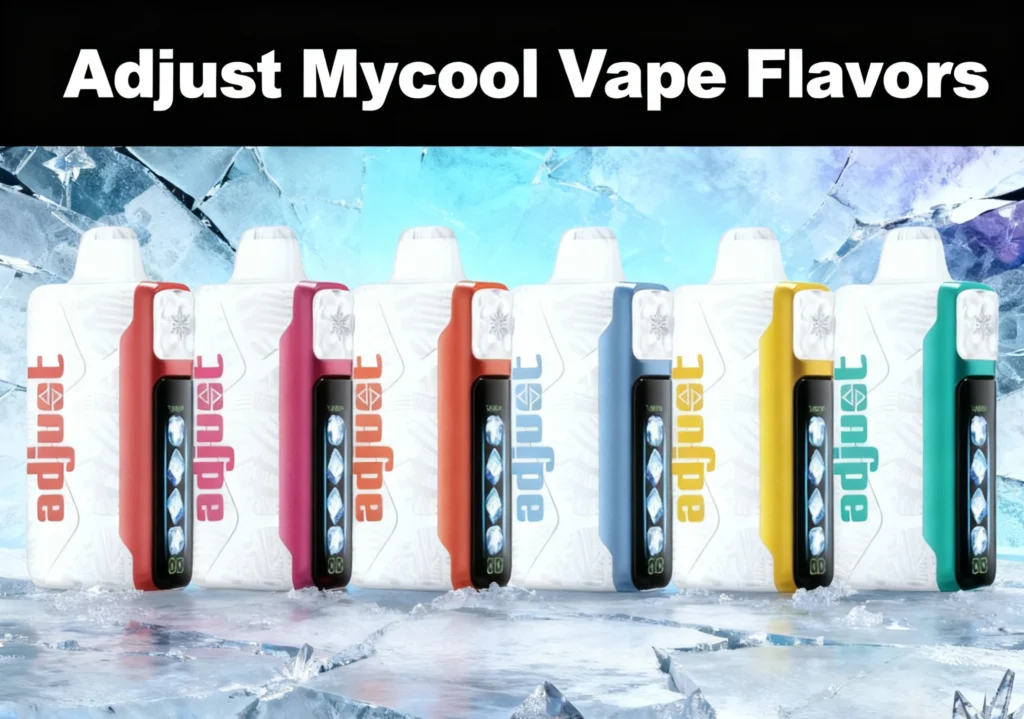
Adjust Mycool Vape Flavors | 15 Options
MyCool 40K features 15 premium flavors, including fruity variations, candy like flavor profiles, cooling, or a combination. The intensity of the cooling can be adjusted. Enjoy your flavors with little cooling on a mild breeze or ice blast like you’d expect from the “polar vortex.”
Explore the Full range of Adjust vape flavors>>
| Flavor | Flavor Profile / Description |
| Blue Razz Ice | Classic blue raspberry with an icy exhale. |
| Sour Apple Ice | Green apple bite with frosty finish. |
| Watermelon Ice | Chilled watermelon perfection. |
| Cherry Fuse | Cherry, cranberry, and pomegranate explosion. |
| Cherry Strazz | Cherry meets strawberry in a juicy balance. |
| Dragon Strawnana | Dragonfruit, banana, and strawberry smoothie vibe. |
| Mango Magic | Pure mango richness, tropical and bold. |
| Peach+ | Smooth peach flavor with gentle sweetness. |
| Scary Berry | Juicy berry fusion with balanced tartness. |
| Sour Strawberry Dragonfruit | Sour strawberry paired with tropical dragonfruit. |
| Summer Splash | Pineapple, mango, and citrus for bright summer flavor. |
| Tigers Blood | Watermelon, coconut, and strawberry combo. |
| Sour Lush Gummy | Watermelon gummy candy with sour zing. |
| Miami Mint | A sweet, refreshing mint hit. |
| Baja Splash | Lime soda burst with tangy sparkle. |
Mycool Adjust Vape | Technical Specifications
Thoughtfully designed with longevity. The Adjust MyCool 40K is engineered to be providing long-lasting satisfaction, whether you focus on puff count, portability, or control.
| Specification | Detail |
| Puff Count | Up to 40,000 (in Turbo I mode) |
| E-liquid Capacity | 20 mL |
| Nicotine Strength | 5% (50 mg/mL) |
| Battery Capacity | 850 mAh rechargeable |
| Cooling Levels | 5 adjustable levels (Breeze → Arctic Freeze) |
| Device Size | 102 × 49 × 27 mm |
| Charging Port | USB-C |
| Power & Airflow | Dual control with one toggle |
| Display | Smart side LED for live data |
| Mouthpiece | Bite-friendly TPU for comfort |
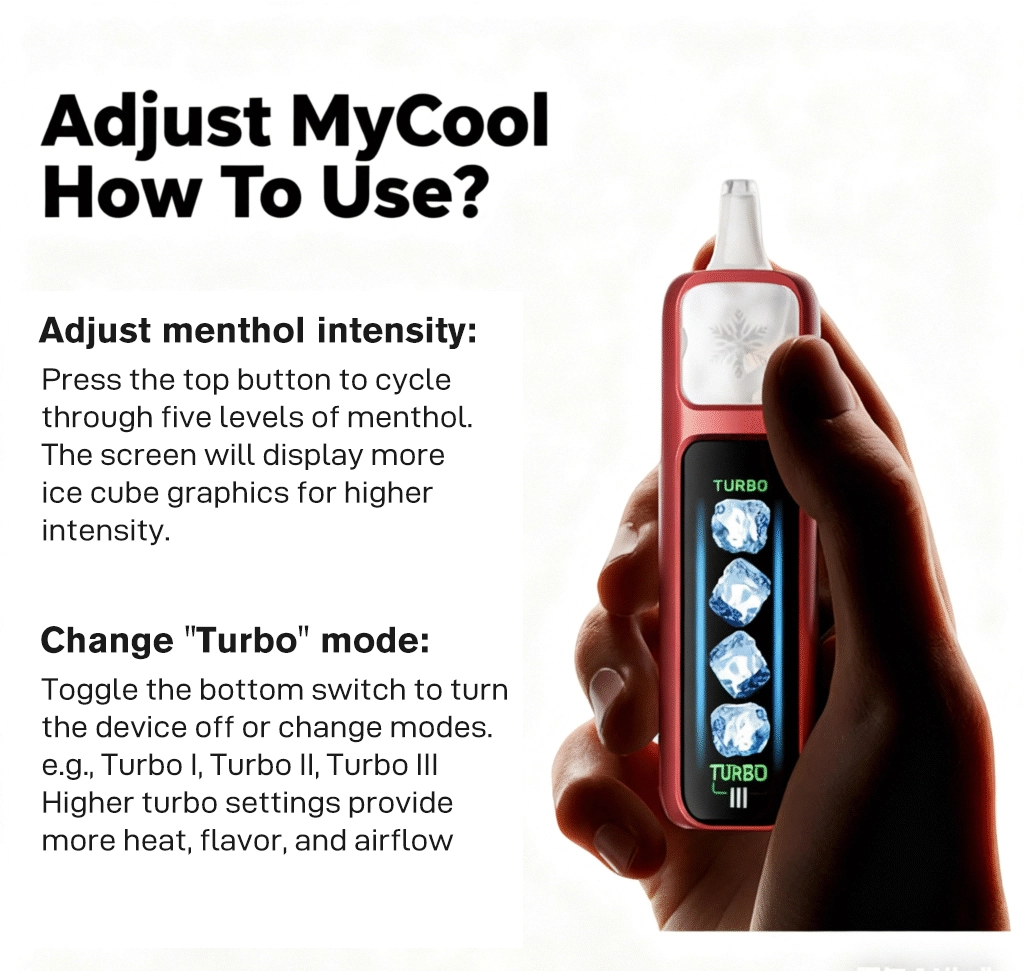
Adjust MyCool Vape How To Use?
Adjust menthol intensity:
Press the top button to cycle through five levels of menthol.
The screen will display more ice cube graphics for higher intensity.
Change “Turbo” mode:
Toggle the bottom switch to turn the device off or change modes.
e.g., Turbo I, Turbo II, Turbo III
Higher turbo settings provide more heat, flavor, and airflow
FAQs
Q1: How can the cooling level be changed?
To adjust the cooling, simply slide the toggle located on the device to switch between five levels of coolness. The LED screen will indicate the setting you are currently on.
Q2: Does the higher cooling level use more battery?
Not to a significant level. Only when the device is set to turbo or high-power mode will it have noticeable effects on battery life.
Q3: What is the power and airflow toggle for?
This allows you to dial in vapor density and airflow resistance, so you have full control all in a single motion. See more details at adjust vape instructions.>>
Q4: How long will the Adjust MyCool 40K last?
In Turbo I mode, you can get up to 40,000 puffs per device. Depending on your cooling level and how much you are puffing.
Q5: Is the Adjust MyCool 40K a rechargeable device?
Yes, the device is rechargeable. It comes with a USB-C charging input for quick charging and efficient charging.
Q6: What makes MyCool unique compared to other disposables?
MyCool is different. It is the only disposable that has 4 cooling levels, power control, and a real-time display.
Q7: What flavors can I try with MyCool 40K?
There are 15 flavors. Classics such as Blue Razz Ice to creative combinations, or choose from such as Scary Berry and Summer Splash.
Q8: How do I know when it’s low?
The smart display will show battery and e-liquid levels, so you always know when to recharge or refill.

3 reviews for Adjust MyCool 40K Disposable Vape
There are no reviews yet.